
Application Dashboard - Homer
HomerWelcome canto beyour usedImagIT dashboard. This is the page you land on at solo.imagit.eu, and it is your home base on the platform.
Everything you need is gathered on this single page:
Tip: Bookmark this page
forinsimpleyouraccessbrowser. It is the fastest way to reach all of yourapplications.tools.
Just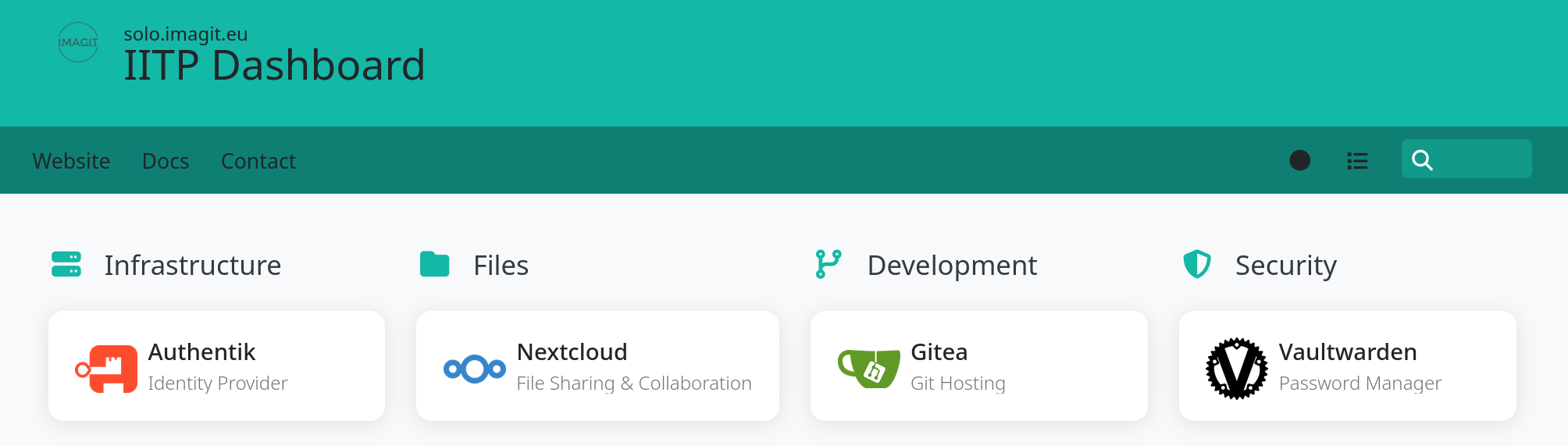
Getting onaround
Opening applicationan youapp want to open. It'sis as simple as thatclicking :)its card. The first time you open one, you may be asked to sign in — your dashboard and your apps share the same ImagIT login, so there is no separate account to keep track of.
TheIf contentssomething oflooks missing or is not working as expected, use the dashbaordcontact change basedoption on the availabledashboard applications.to 