
Files, Mail & Calendar – Nextcloud
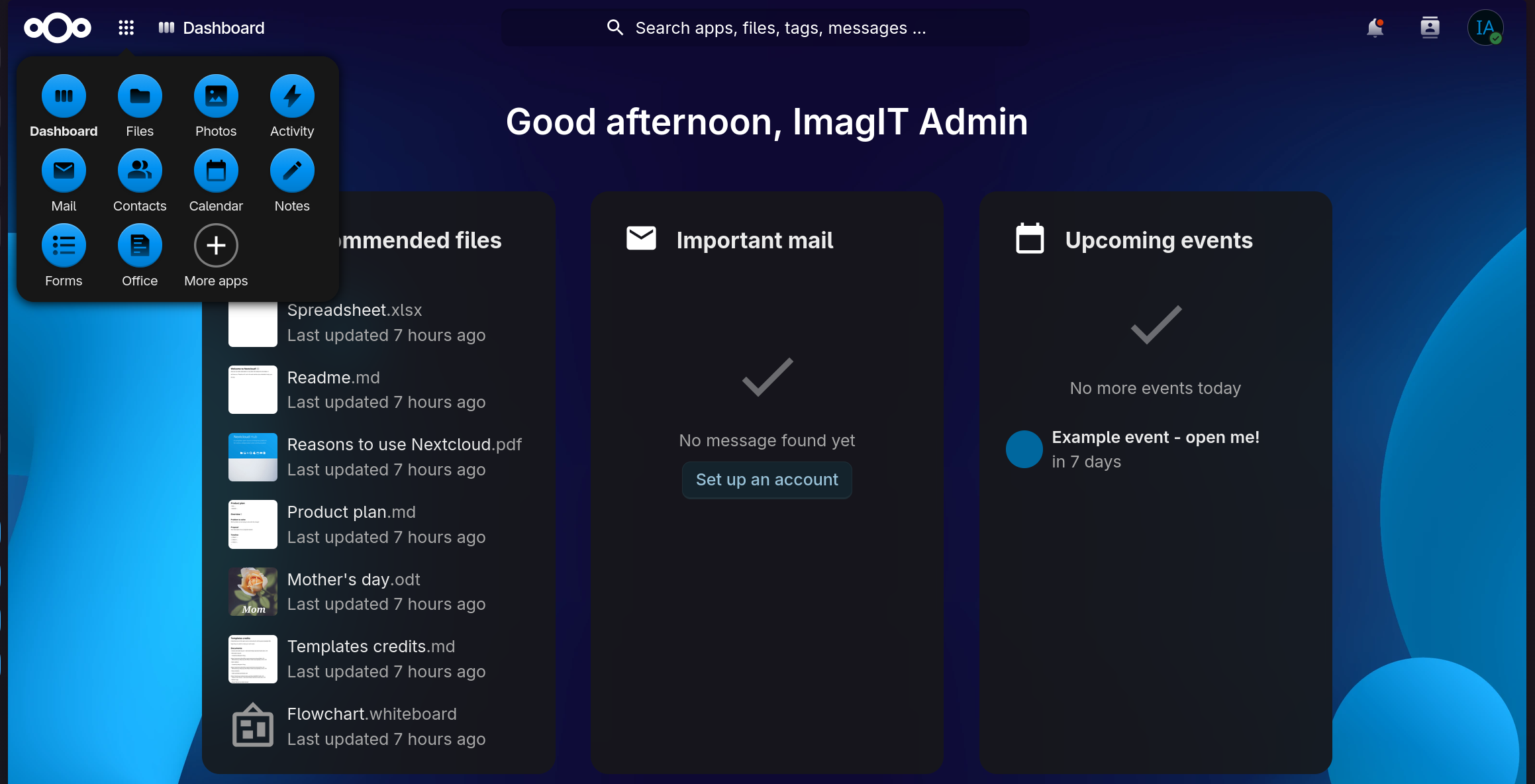
Nextcloud is your private workspace for files, mail, calendar, contacts and documents — all in one place. You reach it in the browser at cloud.solo.imagit.eu, which is also linked from your dashboard.
Open the web interface
Read and send email
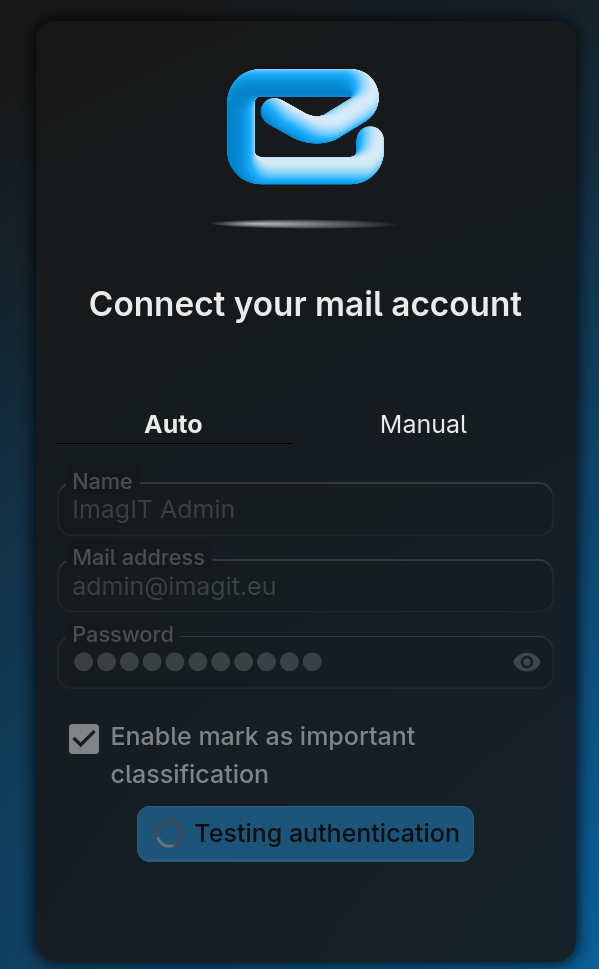
Nextcloud includes a Mail app, so you can read and send email without leaving the platform.
993 with SSL.
Outgoing (SMTP): your provider's SMTP server, usually port 587 or 465.
Sign in and your messages appear in Nextcloud.
Tip: Many providers (for example Gmail or Outlook) require a separate "app password" instead of your normal one. If sign-in fails, check your provider's help pages for IMAP/SMTP access.
Use the desktop and mobile apps
Working with the apps is the best experience: your files stay in sync automatically, and your calendar and contacts come along too.
cloud.solo.imagit.eu and an app password (see App passwords). If asked, you can also sign in through the browser.
Your files sync automatically from then on.
Tip — upload files & back up your phone photos: in the browser, drag files onto the window or use New → Upload file to add files. On your phone, install the Nextcloud app and turn on auto-upload so new photos and videos are backed up to your Nextcloud automatically.
Sync your calendar (CalDAV)
You can keep your calendar in Nextcloud and use it anywhere.
https://cloud.solo.imagit.eu/remote.php/dav/
Username: your ImagIT username
Password: an app password (see below)
Contacts work the same way via CardDAV at the same address.
App passwords
Because you sign in with your ImagIT account, other apps cannot use your normal login. Instead you create an app password — a one-off password just for that app or device.