
Code Repository - Gitea
Gitea is your code repository — think GitHub, but hosted for you. You reach it at git.solo.imagit.eu, which is also linked from your dashboard.
Create Repositorya repository (Webweb UI)
To quickly create a Repositoryrepository, press the + followedand bychoose New Repository. Repository. Set the settingsoptions you want and press Create Repository.Repository.
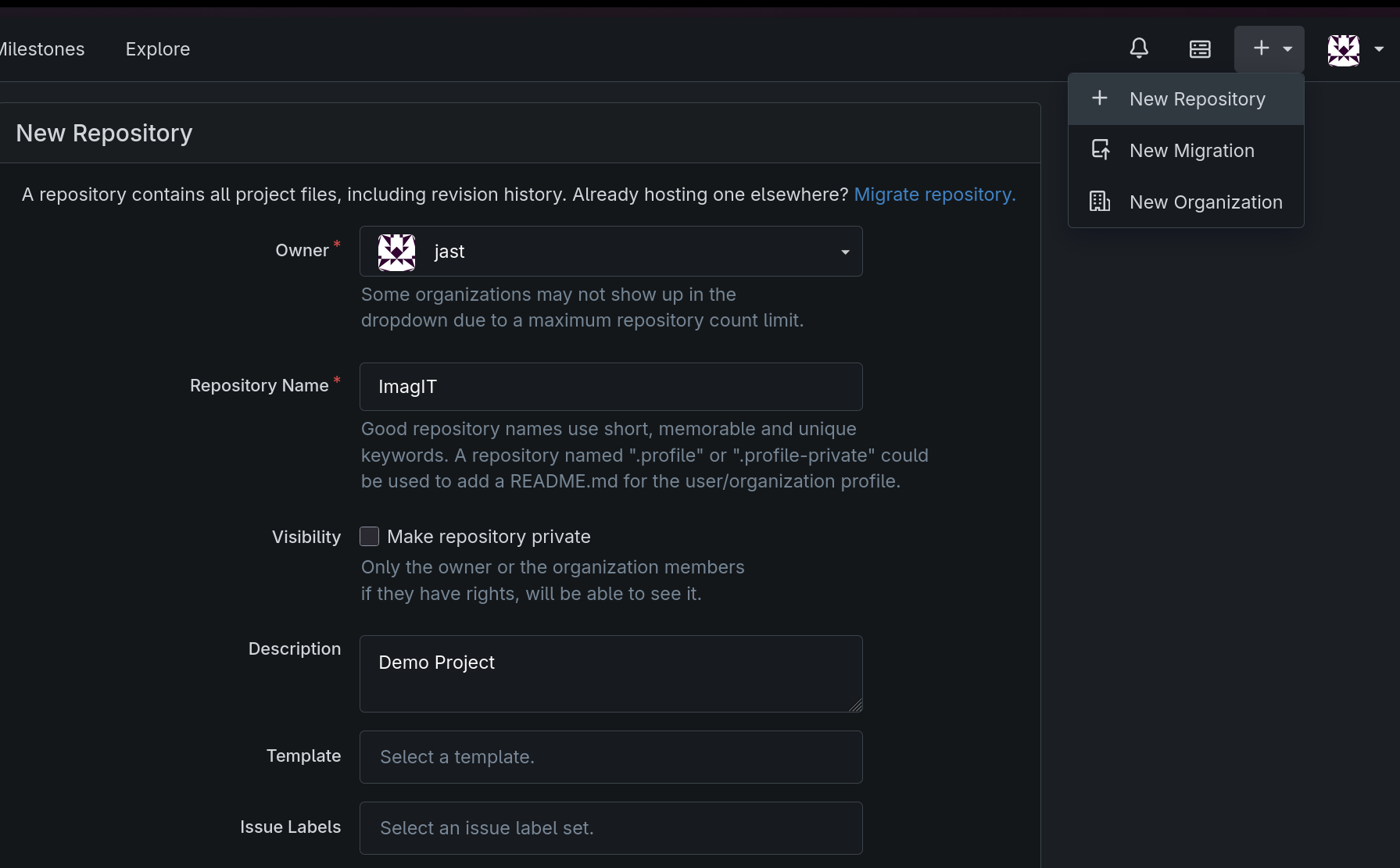
AfterOnce the Repositoryrepository has been createdcreated, the Quickquick Guideguide willgives giveyou us ana URL that weyou can use to Cloneclone the Repositoryit locally.

Create Accessan Token
access token
Authentication over SSH using SSH
Keyskeys is currently notavailableavailable..OnlyAuthenticationauthentication over HTTPS works.
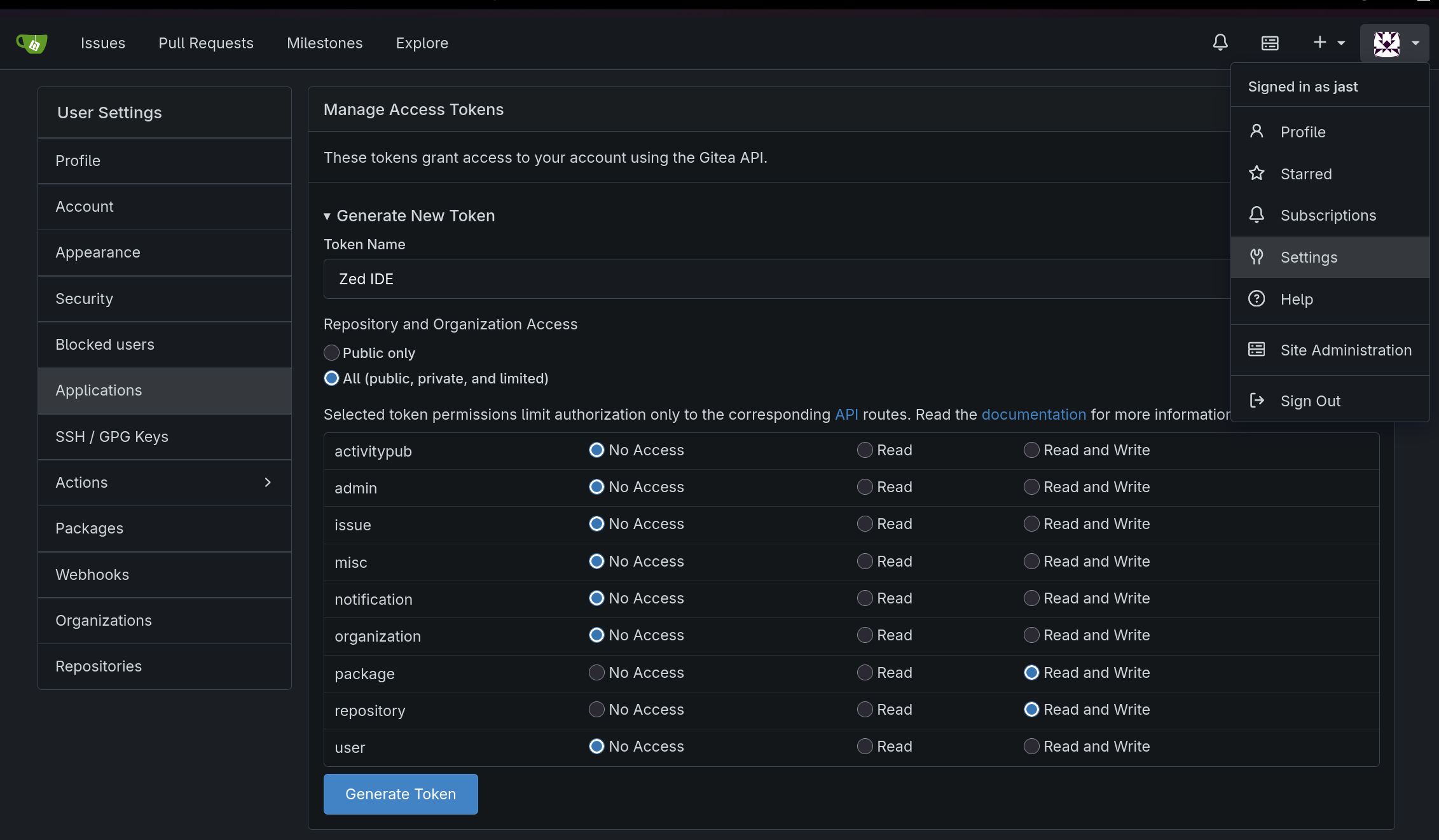
For us toTo authenticate over HTTPS (— required when 2FA is enabled)enabled we— you need an Accessaccess Token.token. To create one, goopen to Settings under your profile and go to Applications.Applications. HereGive wethe can settoken a Token Name.name. In this example I enabled Readread and Writewrite permissions for the Repositoriesrepositories owned by this accountaccount, as well as Readread and Writewrite for Packagespackages, toso images can be able to pushpushed and pull Images.pulled.
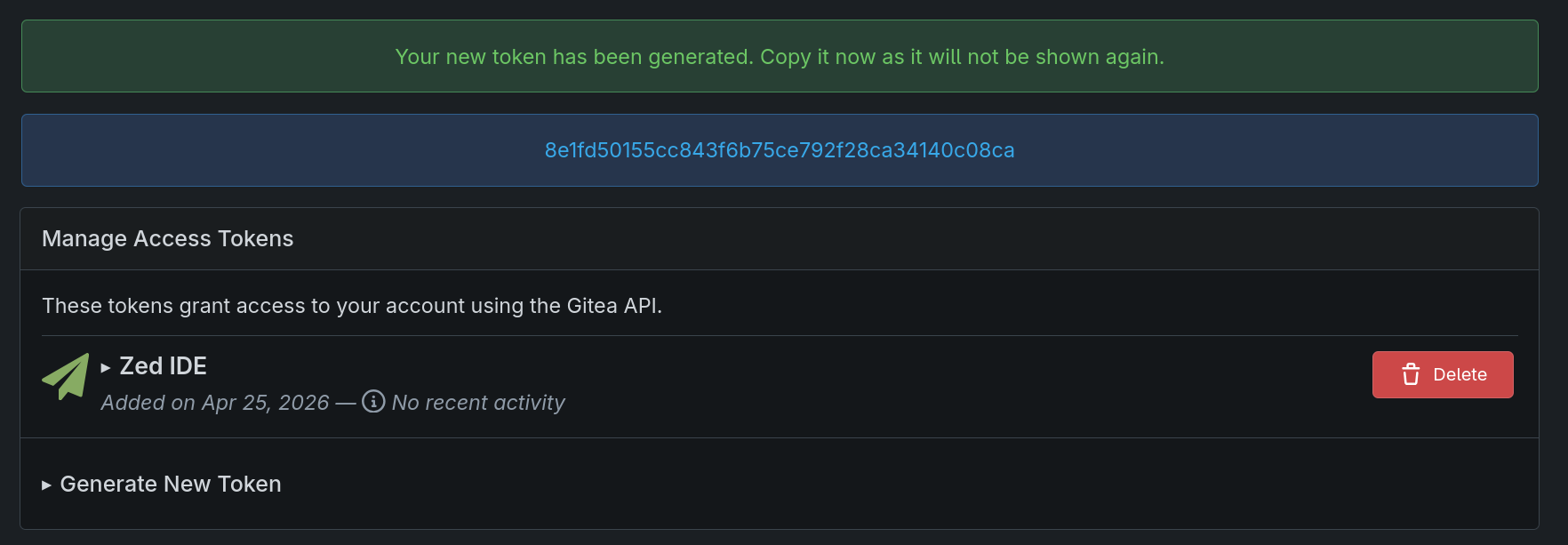
Click Generate Token.Token. This token will only be shown once. Make sure to store it in your favoritefavourite password manager ;)
Use Repositorythe repository with Accessan Tokenaccess token (IDE)
To Cloneclone your new Repositoryrepository toand work inon it locallylocally, press on Code and Copycopy the URL while being in the Repository.repository.
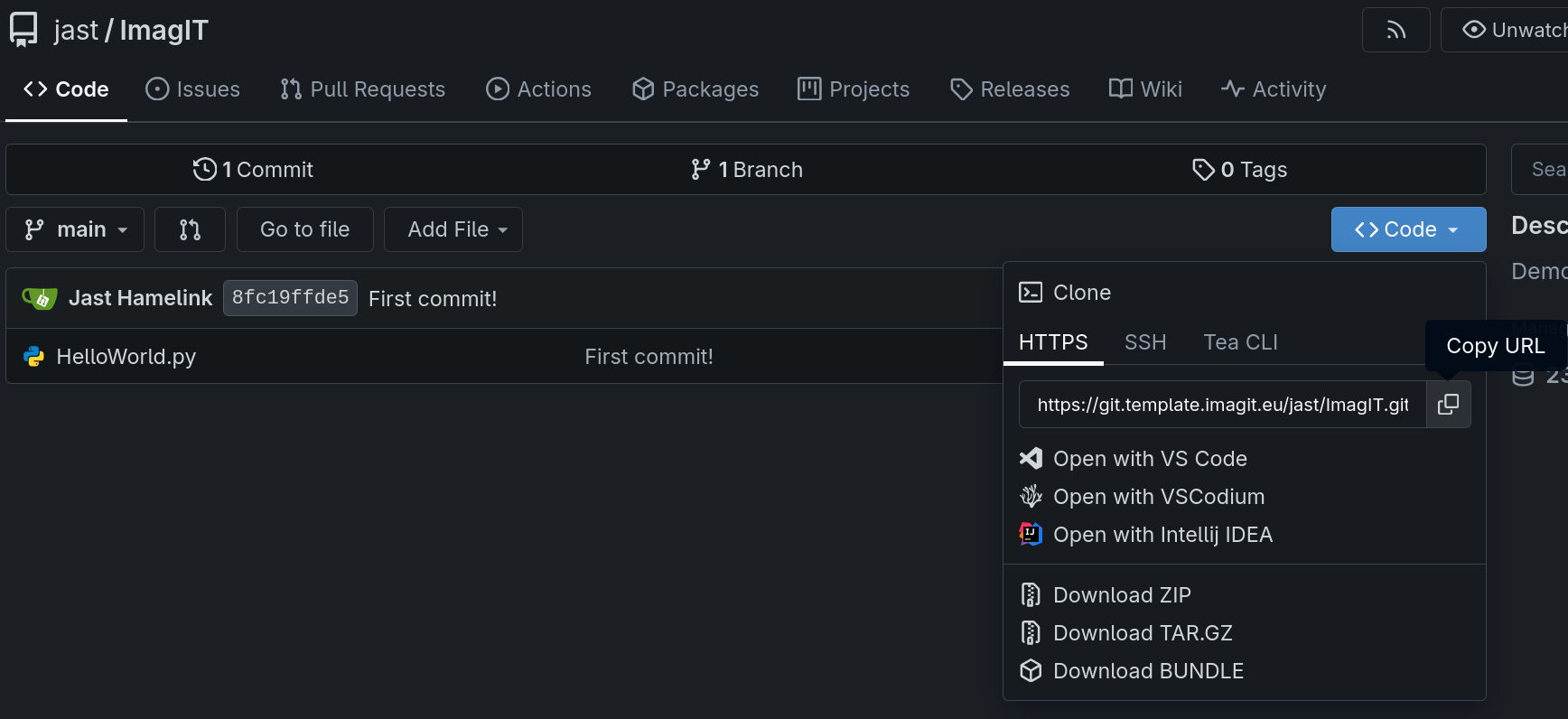
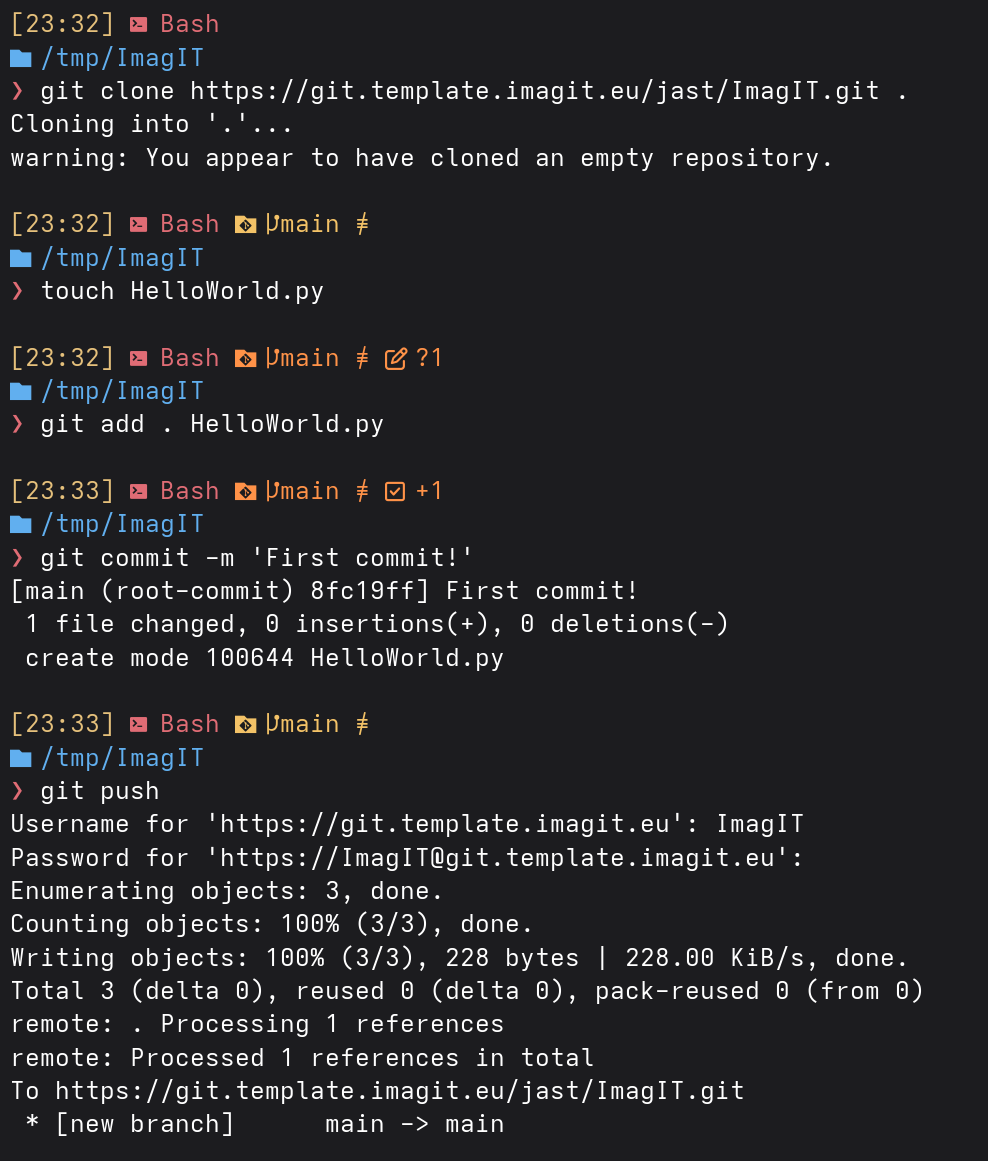
Clone the Repositoryrepository to wherever you prefer.
SinceBecause this is Publica Repositorypublic werepository, you will not be prompted for credentials when Cloningcloning or Pullingpulling. the Repository.
When Pushingpushing, weyou will be prompted for credentials.credentials Fill— inenter your Usernameusername and the Tokentoken you just created as Password.the password.
Push and Pullpull (Container)container) Images
images
For instructions on how to handle all kinds of packages in
GiteaGitea,please checksee the GiteaOfficialofficialDocumentationdocumentation.
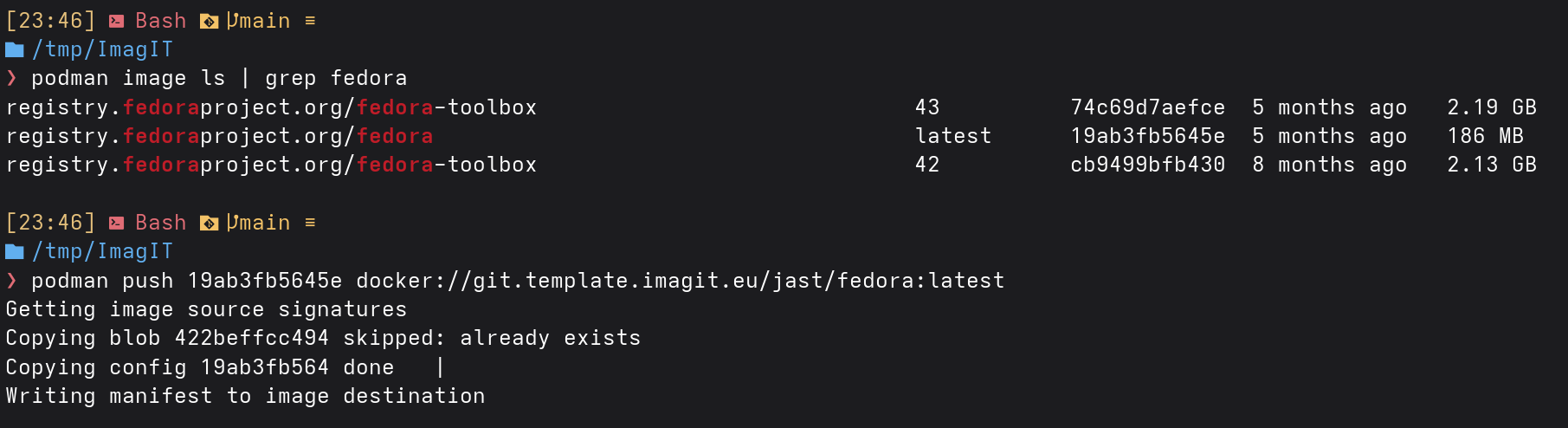
The following Pushpush command will pushpushes the Imageimage to Usersthe Packages.user's packages. You can also push to `URL/<USERNAME>/<REPOSITORY>.`
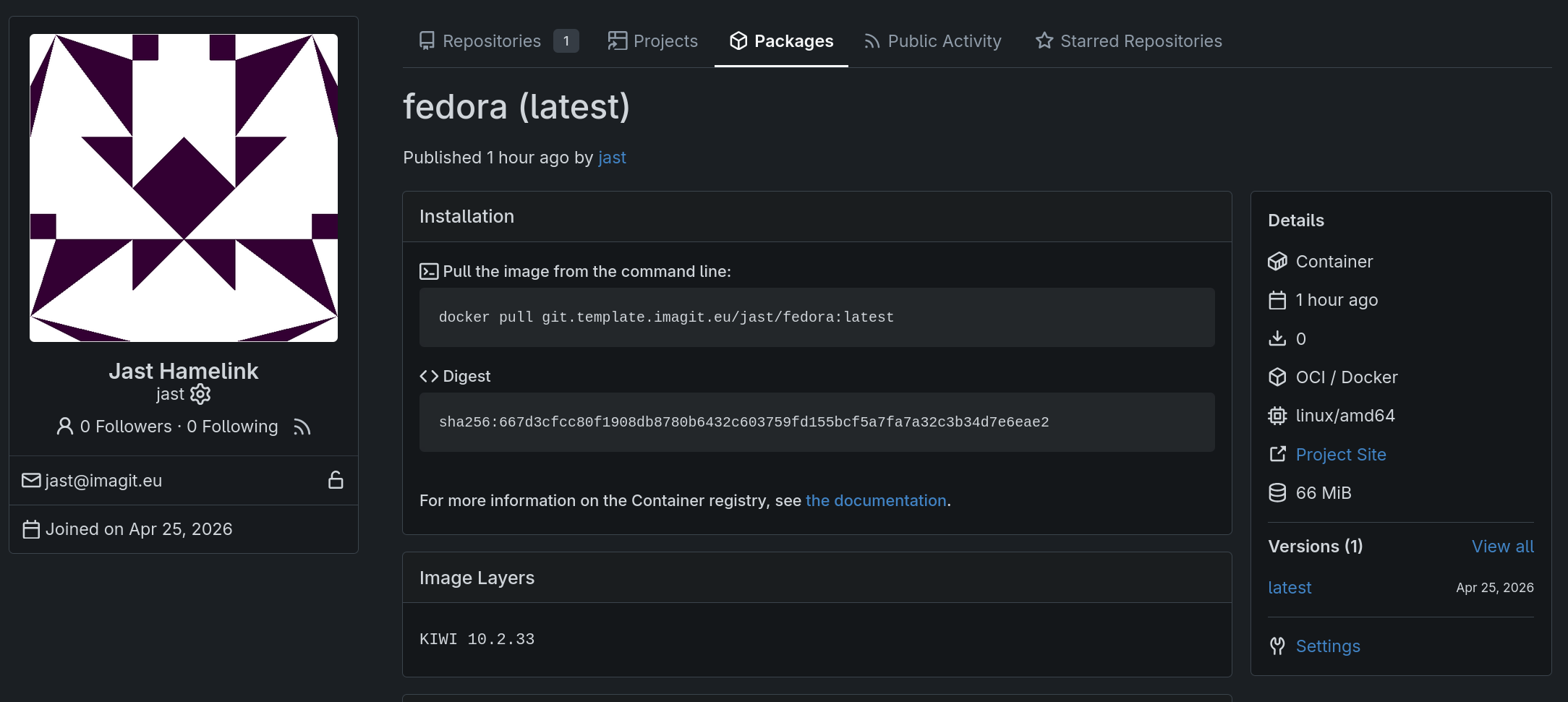
After pushingpushing, your Imageimage will showappears under Packages in your Repository.repository. This screen also shows how youto can Pullpull the Imageimage again (after authenticating usingwith docker/docker/podman login).
Build pipelines
The ability to run pipelines (Gitea Runners) for the
SharedsharedPlatformplatform will be made available at a later stage.ForUntilnowthen, youarecanablebringtoyourBYOR.own runner (BYOR).